Samsung Galaxy Gear review: Meet the smartwatch that simply tries too hard

Damn
my infernal pants pockets. The salesmen at the store said they would be
useful for storing small personal items—car keys, loose change,
lint—but he didn’t warn me that they’d be a crappy place to keep my
smartphone. Somehow, some way, whenever I need my phone the most, it’s
lodged deep in my front pocket, entrenched and inaccessible.Sound familiar? Indeed. So a smartwatch like the Samsung’s Galaxy Gear would seem to solve a lot of problems. In theory, it puts a bunch of critical smartphone functions directly on your wrist, saving you the trouble of extricating your phone from your pocket to make a phone call, snap a photo, or run a few apps.
Well, that’s the promise at least. In practice, the Galaxy Gear hints and teases at what a great smartwatch could be, but never really nails any single function. It’s packed with potential, and even includes support for third-party apps. But it’s a challenge to use at nearly every turn, and at $300, it feels like an expensive experiment.
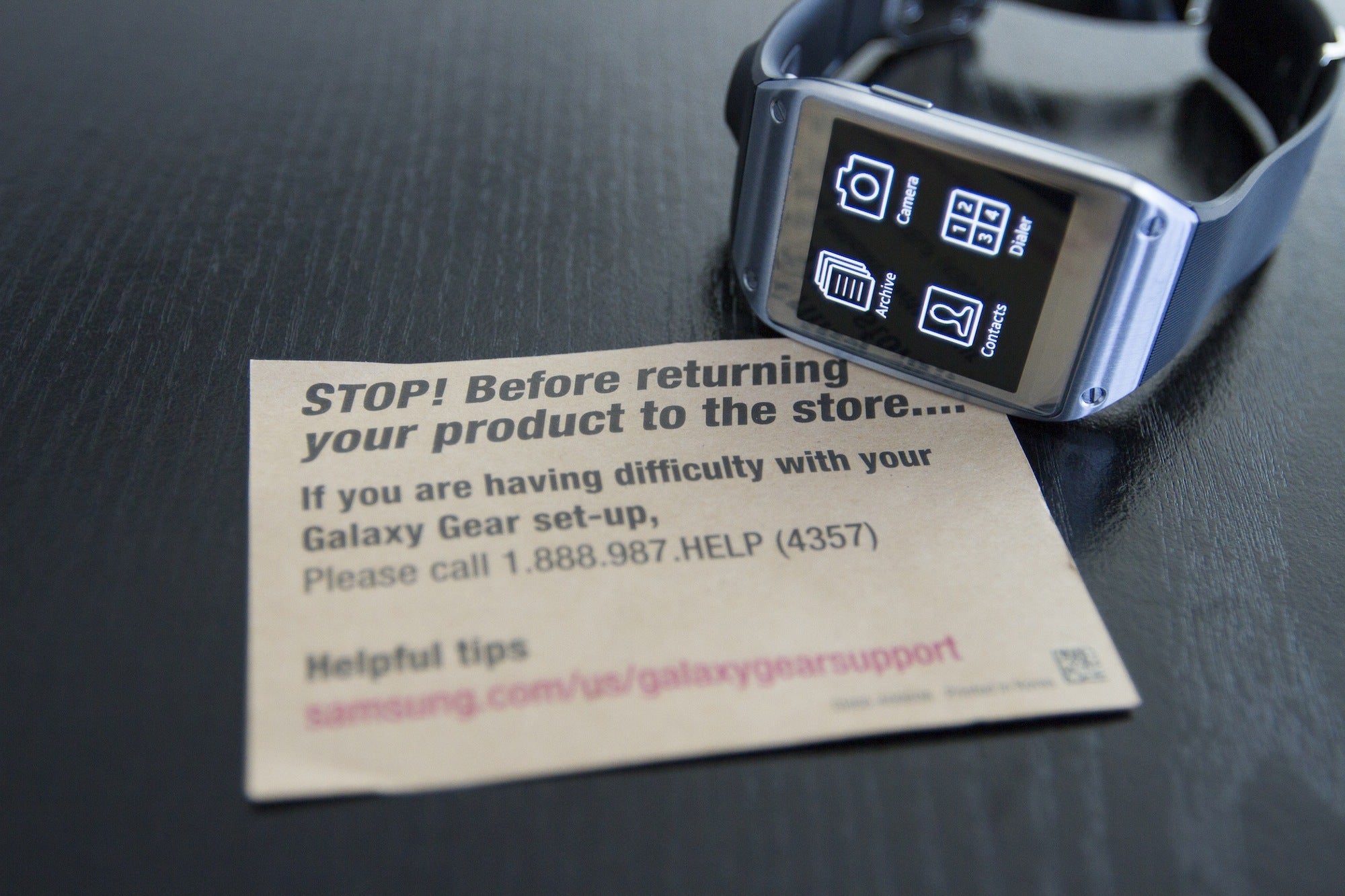
Niche, nerdy, and not so cute
The Gear is not a standalone product—it requires a Bluetooth connection with your smartphone to execute almost all tasks. And it doesn’t just work with any old smartphone. At launch, the Gear only works with a single phone, the philosophically polarizing, 5.7-inch behemoth that is the Samsung Galaxy Note 3 (though conventional wisdom says support for Samsung’s S III, S4 and Note 2 is coming).Still interested? Then take a good, long look at the Gear’s design, and ask yourself if this watch is anything you’d wear throughout the day. The watch fits my wrist just fine, and I personally find its styling to be inoffensive, if a bit techy-cheesy. But the consensus among women isn’t so generous.

The bottom line is that anyone interested in the Gear must be sympatico with an extremely niche smartphone, and have man-sized wrists and a high threshold for shiny brushed metal. Still with me? Then let’s continue.
Shake and wake (in theory)
The Gear features a 1.63-inch, 320-by-320 Super AMOLED display and a single-core, 800MHz processor. The display is too small to support an onscreen keyboard, so all data entry (if we can call it that) is handled by S Voice, Samsung’s virtual digital assistant. With simple voice recognition commands, you can do things like check the weather, schedule a meeting, and get the time in another city. When the feature works, it’s a pleasant convenience. But it didn’t consistently recognize myvery… carefully… enunciated… words. Google Now on my HTC One performs more reliably, and every time S Voice failed me, I lost confidence in its overall ability to perform.It’s worth noting that when a smartwatch runs out of juice, you don’t just lose smart functions. Your display dies, and you lose the ability to even tell time. At this point, you really need to appreciate the shiny brushed metal, because you’re wearing nothing more than an expensive bracelet.
The Gear’s touch screen display remains off by default, but thanks to a built-in accelerometer and gyroscope, you can (theoretically) wake it from sleep with a shake of your hand, or by simply turning your wrist and looking at the watch face. Shaking the watch almost never cajoled the display into action. The wrist-flip maneuver was much more reliable, but not consistently perfect. During testing, I often had to suffer the indignity of waking the Gear by pushing its home button. Yuck.
Regardless, once the device is ready for business, you can swipe the home screen left and right to access various functions. There’s a voice memo app for five-minute audio recordings; a media controller for whatever music app you’re using on your phone; a pedometer (whose step counts can be viewed in real-time, and appeared entirely accurate); and menus for Contacts, Settings and Apps, among other less glamorous features.
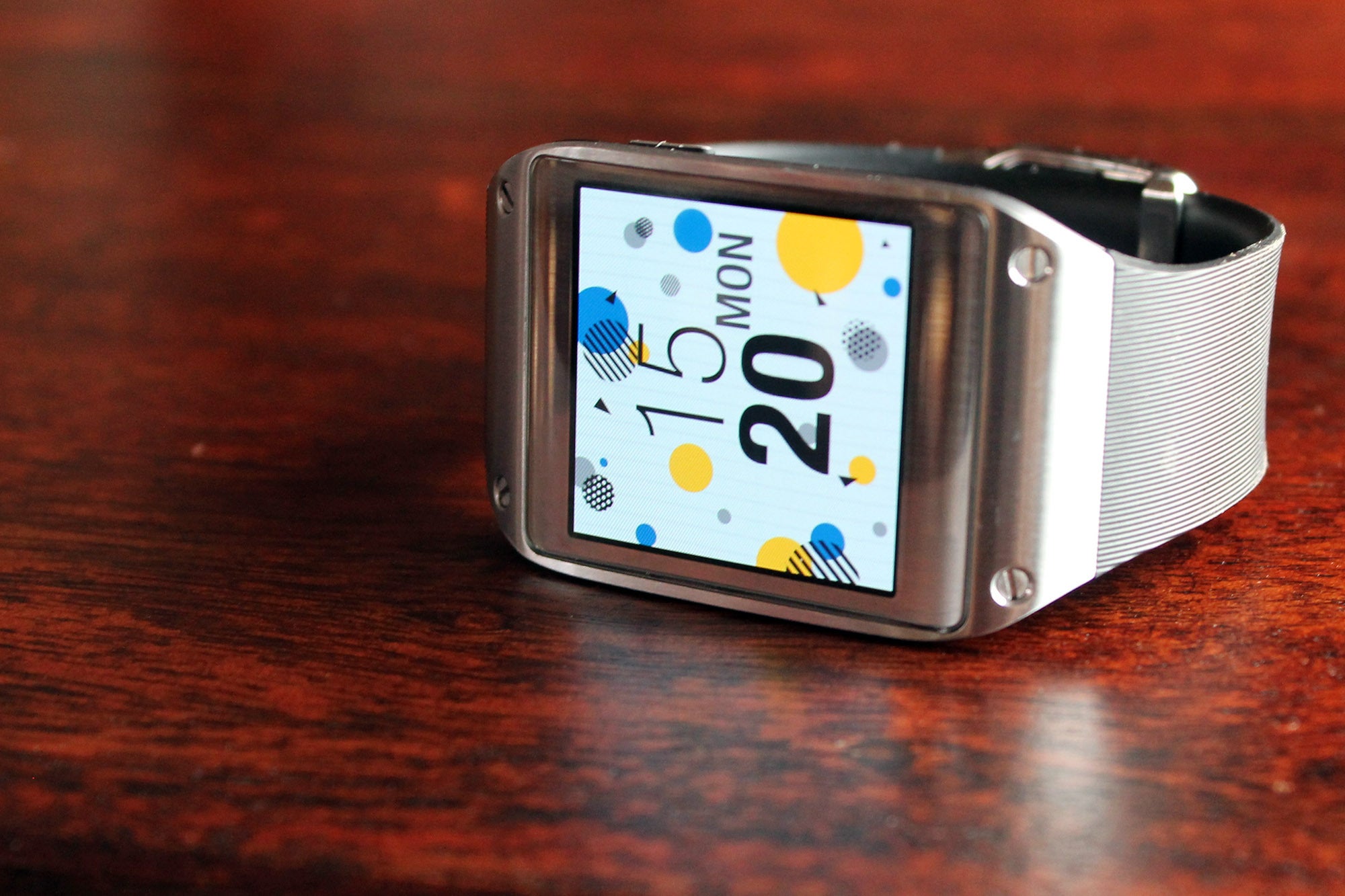 IMAGE: JON PHILLIPS
This clock will likely be a popular choice, as most programs are otherwise buried in the Gear’s Apps menu, and require excessive menu navigation to reach. And that’s a general problem across the entire Gear experience: The display is so small, there isn’t much screen real estate for user interface elements, be they effective or clumsy. So you end up swiping through multiple menus, doing your best to remember whether features are hidden on the watch or in your phone’s Gear Manager. The experience is riddled with logic loops, but that’s what you get when you try to stuff a modern mobile UI into the footprint of a large postage stamp.
Thankfully, accessing two key features couldn’t be easier. Swipe down on the home screen, and you’ll drop straight into the camera app. Swipe up, and you’ll go to the phone dialer. It’s these two functions that speak to the potential of what a better smartwatch might look like.
Can you hear me, S Voice? Hello?
Because the Gear has a speaker, noise-cancelling mics, and Samsung’s S Voice feature, it goes a step beyond the functionality of smartwatches from Pebble and Sony. When one of your contacts calls your phone (well, your giant-sized Galaxy Note 3 phablet), a notification appears on the Gear, showing the face and name of the person who called. You can accept the call with a swipe gesture, and then begin talking directly into the watch.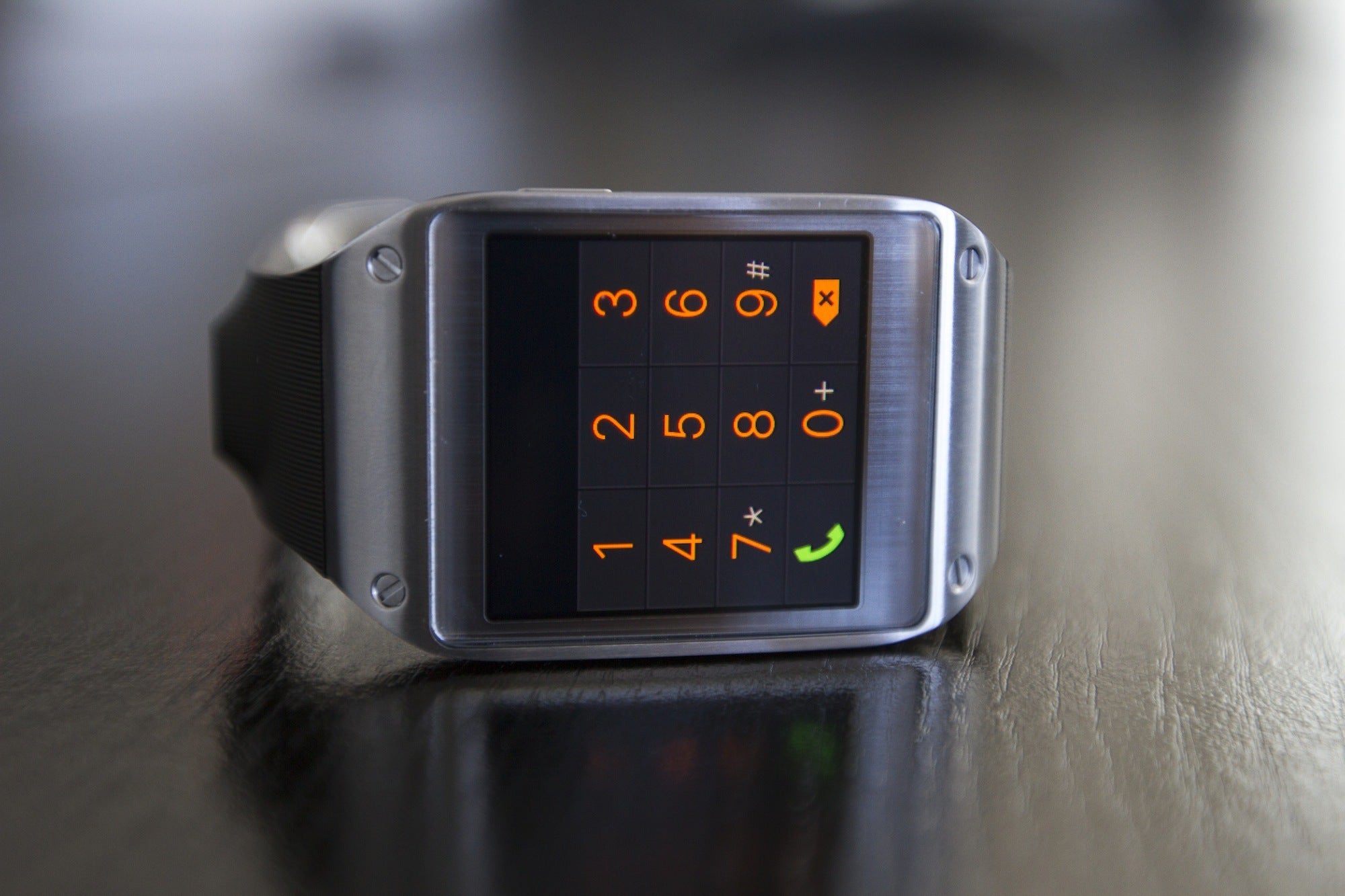
Making a call is also a challenge: S Voice enables a semblance of hands-free dialing, but it’s not full-proof. I have S Voice pinned as a home screen shortcut, so invoking the feature entails just a single finger tap (double-pressing the home button will also activate S Voice). From there, you wait for the microphone icon to turn blue, then utter, for example, “Call Christopher Walken.” If you have Christopher Walken in your phone’s contact list, then you’re off to the races, enjoying a rewarding phone conversation about how much you both love hot dogs.
Well, that’s how it’s supposed to work. Oftentimes, S Voice couldn’t understand me, exposing the digital assistant’s struggles with difficult, multi-syllable names, and windy, noisy environments. I found myself constantly repeating my words, re-engaging S Voice, waiting for confirmations, and back-navigating to earlier menus. When it worked, I loved it. When it didn’t work, I found hands-free watch dialing more frustrating than just using my phone.
The ultimate creeper camera
The Gear’s camera offers the best user experience in the entire smartwatch package. Samsung describes its image capture as “memography,” and it’s an apt term, as I found the watch was a reliable tool for snapping quick visual notes of the world at large. Taking a photo is a simple matter of staring at the watch face to frame your shot, and then saying “cheese,” “smile,” “capture,” or “shoot” to activate the digital shutter with S Voice. (S Voice didn’t have any trouble interpreting these four commands.)


Sadly, the Gear can’t directly share an image via text message, email, Twitter, Instagram or Facebook. You’ll be doing all that fun stuff from your phone, which reminds us that the Gear is something of a dumb terminal, and also suffers a dearth of high-profile apps.
You say appy, I say crappy
Samsung says the Gear is launching with more than 70 apps. That might sound like a really small number, but I’ll argue it’s far too many. With its teeny-tiny screen, it’s difficult to display meaningful content on the Gear, let alone interface elements for navigation. Sure, you can use S Voice to maybe, hopefully enter text, but evenreading text on the watch is a challenge.Maybe this is why Samsung didn’t include email functions. And maybe this is why Facebook, Twitter and Instagram aren’t Gear launch partners. A crappy app experience is almost always worse than no app experience at all. Nonetheless, a handful of third-party developers have decided to throw down, and their apps (which can only be downloaded from Samsung’s Gear Manager utility) range from meh to categorically lame.

Then there’s Vivino. Open the app and snap a photo of a wine bottle label. If the label is in Vivino’s database, you’ll get a crowdsourced review rating, and information on food pairings. Sounds wonderful, right? Unfortunately, it misidentified two thirds of the labels I scanned.
Paradoxically, the one third-party download that didn’t disappoint me is SnapChat, an app I never use with my everyday smartphone. It works just as advertised on Samsung’s watch, though it’s missing a critical SnapChat function: Because of the positioning of the camera on the watch band, it’s essentially impossible to take selfies! But maybe that’s OK, because I don’t think that many teenage girls will be dropping $300 on this particular smartwatch anyhow.
 I
IBottom line
Before the Gear launched, I was convinced I needed a smartwatch. But now that it’s here, I’m changing my story. Every time the Gear promised me something wonderful, it let me down with compromises.Want a beautiful screen and enough processing power to run apps? No problem. But you’ll need to suffer poor battery life in return. Want to make calls without using your phone? We got you covered. But you’ll have difficulty dialing contacts, and hearing callers once they’re finally on the line. Want to take some photos with your watch? You can do that too. You just won’t be able to take very many images, and sharing them with friends will be a chore.
And the final insult? That dizzying $300 price tag—and that’s after you buy the new Galaxy Note 3. Jeez, really? Suddenly fishing my smartphone from my pants pockets a bazillion times a day doesn’t seem so bad.



0 comments:
Post a Comment